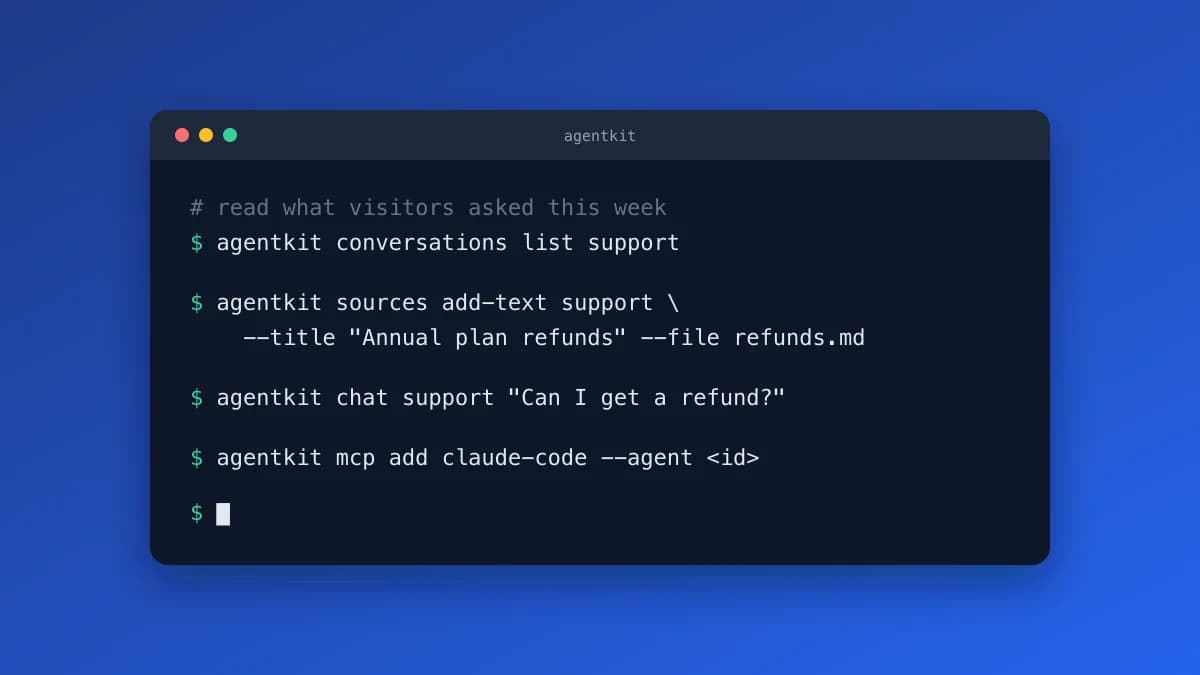
If you already spend the day in Claude Code, Codex or Cursor, opening a dashboard to see what your support agent told visitors on Tuesday is a context switch. The Agentkit CLI and MCP server let you do that work from the terminal, or ask your coding assistant to do it.
Both ship in one npm package, @agikits/agentkit, open source under MIT at github.com/agikits/agentkit-cli. The current release is a beta. API access, the CLI and the MCP server work on every plan, including Free.
Install and save a key
You need Node.js 22 or newer. Create a key on the API Keys page of your dashboard, then:
npm install -g @agikits/agentkit
pbpaste | agentkit init --with-token
agentkit agents list
agentkit projects --add support <agent-id>
init reads the key from standard input, so it stays out of your shell history. That line is for macOS; the CLI docs have the Windows and Linux versions. The last command gives the agent a short name, so the examples below can say support instead of an ID.
The CLI covers agents, sources, chat, conversations and training. Add --json to any command when you want to pipe the output into jq or a script.
Read what visitors asked this week
Conversation commands default to API chats. Pass --source to read widget traffic:
agentkit conversations list support --source widget --limit 50
agentkit conversations get support <conversation-id>
agentkit conversations export support --source widget --limit 20 --json > recent.json
export returns full transcripts, up to 20 per page. Spotting patterns across 20 transcripts by eye is slow work. That part is easier to hand to a coding assistant.
Connect your coding assistant
One command registers the local agentkit-mcp server with your client:
agentkit mcp add claude-code --agent <agent-id>
Swap claude-code for codex, cursor, vscode, claude-desktop or windsurf. The server reads the key you saved with agentkit init, so the key never goes into the client's config file. --agent limits the server to the agents you name. List several IDs after the flag for more than one.
The server starts read-only. Its 11 tools list agents, read settings, sources and conversations, and check training status.
Find knowledge gaps
With the server connected, ask in plain language:
Read the last 30 widget conversations for my support agent. List the questions it couldn't answer, answered vaguely, or handed to a human. Group them by topic and count each group.
Then follow up:
Compare those topics with the agent's knowledge sources. Which topics have no source that covers them?
The assistant answers with conversations_list, conversations_get and sources_list. What comes back is a list of missing topics, built from questions your visitors actually asked. Check it against a few transcripts before you act on it. The assistant can misread a conversation the same way a person skimming it can.
Add a text source
Write the missing answer in a file and add it:
agentkit sources add-text support --title "Refunds on annual plans" --file refunds-annual.md
Text and Q&A sources take effect as soon as you add them. You don't need a training run.
You can also let the assistant add the source itself. Register the server again with writes allowed (add --force to replace the read-only entry):
agentkit mcp add claude-code --agent <agent-id> --allow-writes --force
That adds three tools: add a text source, update an agent's instructions, and create an agent. Agent creation only appears when the server runs without --agent. Instruction changes go live immediately, so keep your client's tool-approval prompts on.
Even with writes allowed, the MCP server never starts training, sends messages, deletes anything, reads secrets or runs commands. Training, chat and deletes stay in the CLI, where you type the command yourself.
Retrain and test answers
Web-page sources need a re-crawl when your site changes. train starts one and uses training credits. --status only reads progress:
agentkit train support
agentkit train support --status
Then ask the questions that failed before:
agentkit chat support "Can I get a refund on an annual plan after 30 days?"
chat runs in the Playground channel and spends message credits like any other chat. The Free plan includes 50 a month, so keep test scripts short there.
A note on privacy
Visitors type names, email addresses and order numbers into chats. When the MCP server returns a conversation, that text goes to your coding assistant's provider. Use --agent to connect only the agents you need, and leave out any agent whose conversations you wouldn't paste into that assistant yourself. An API key can reach every agent in the workspace. To cut off a client, revoke its key on the API Keys page.
What's next
We're building a hosted MCP server with OAuth sign-in, so clients can connect without a local install or a saved key. It isn't available yet.
Every command, tool and flag is in the CLI docs and the MCP server docs. Report bugs on GitHub.